Monday, May 23, 2016

Student Technology Geniuses

Today, Senora Stewart's Spanish I students at West Ashley High School worked on their family naming project.  The standard project was to create a poster of their imaginary family tree with photos of their imaginary family members and Spanish naming to go with each one.  For example, a student might choose a picture of Johnny Depp as her father, and his picture would be labeled Mi padre es Johnny Depp.  Without technology, this poster project usually takes two 45 minute periods.

As a member of the Digital Learning Cohort, Senora Stewart shares a cart of iPads with another cohort member.  Wanting to digitize this project, Senora Stewart decided to use the iPads.  Using either Keynote or Google Slides, the students were given requirements to create their family tree with the same titles and pictures AND a 2 descriptive sentences in Spanish.  At this point, the project is purely substitution/augmentation on the SAMR chart, so Senora Stewart and I worked to add something new to the project.

Because foreign language standards require heavy duty communication activities, we wanted to work in a verbal recording of the presentation.  To solve this request, we decided the students could insert their slides into iMovie and then record the words on the slide for each slide.  Now, we are at modification in the SAMR model.

On the day of the project launch, I met with 1/3 of the class in a quiet space to teach them how to use iMovie.  It took approximately 25 minutes to go over how to personalize  a Google Slide show, take and insert a screen shot, add an audio recording, lengthen or shorten the picture to match the recording, add transitions, and more.

Once the training was complete, that first group became the "iMovie Geniuses" for the class.  Upon returning to the class, each Genius took on two trainees and trained them on iMovie.

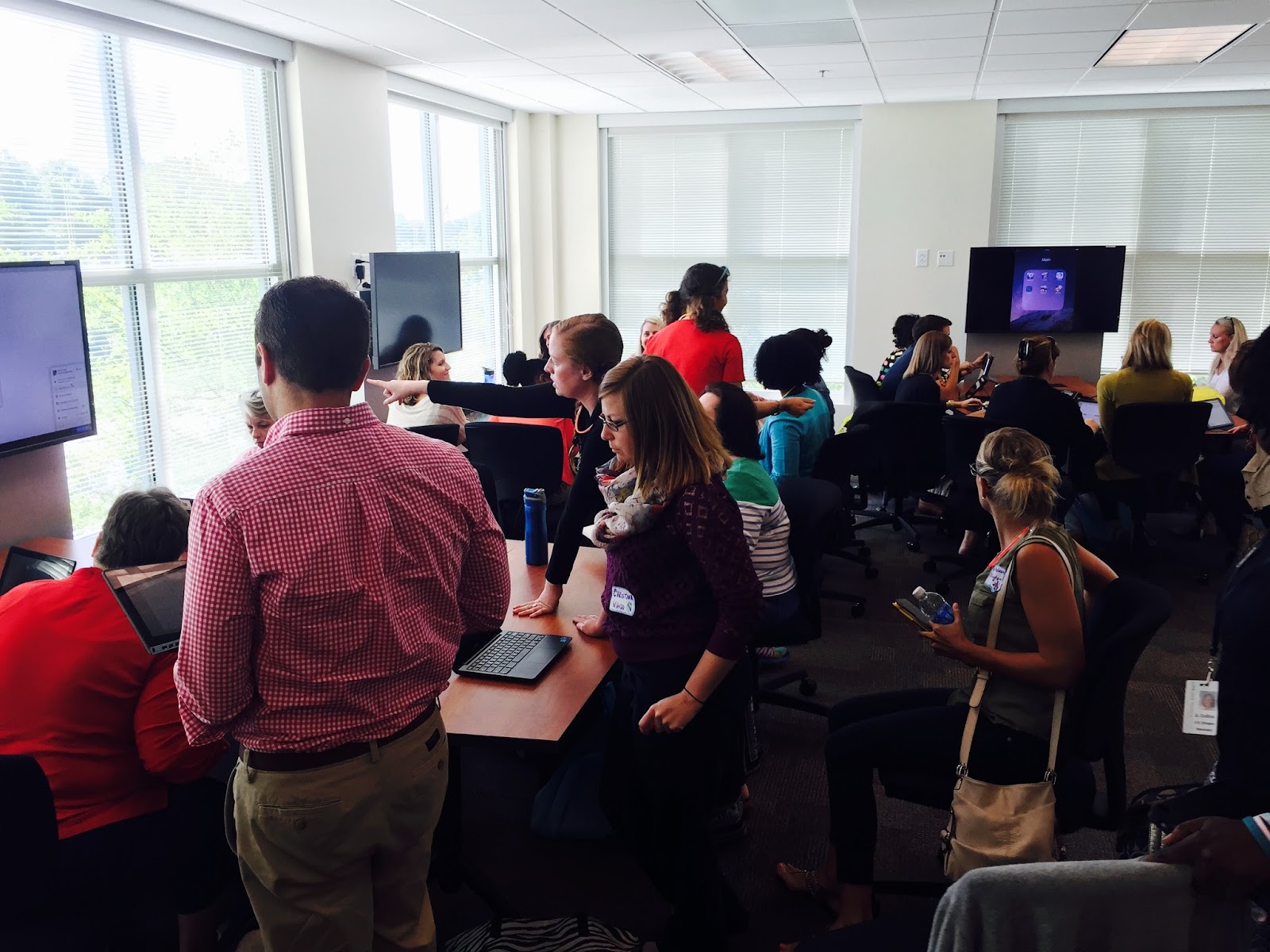
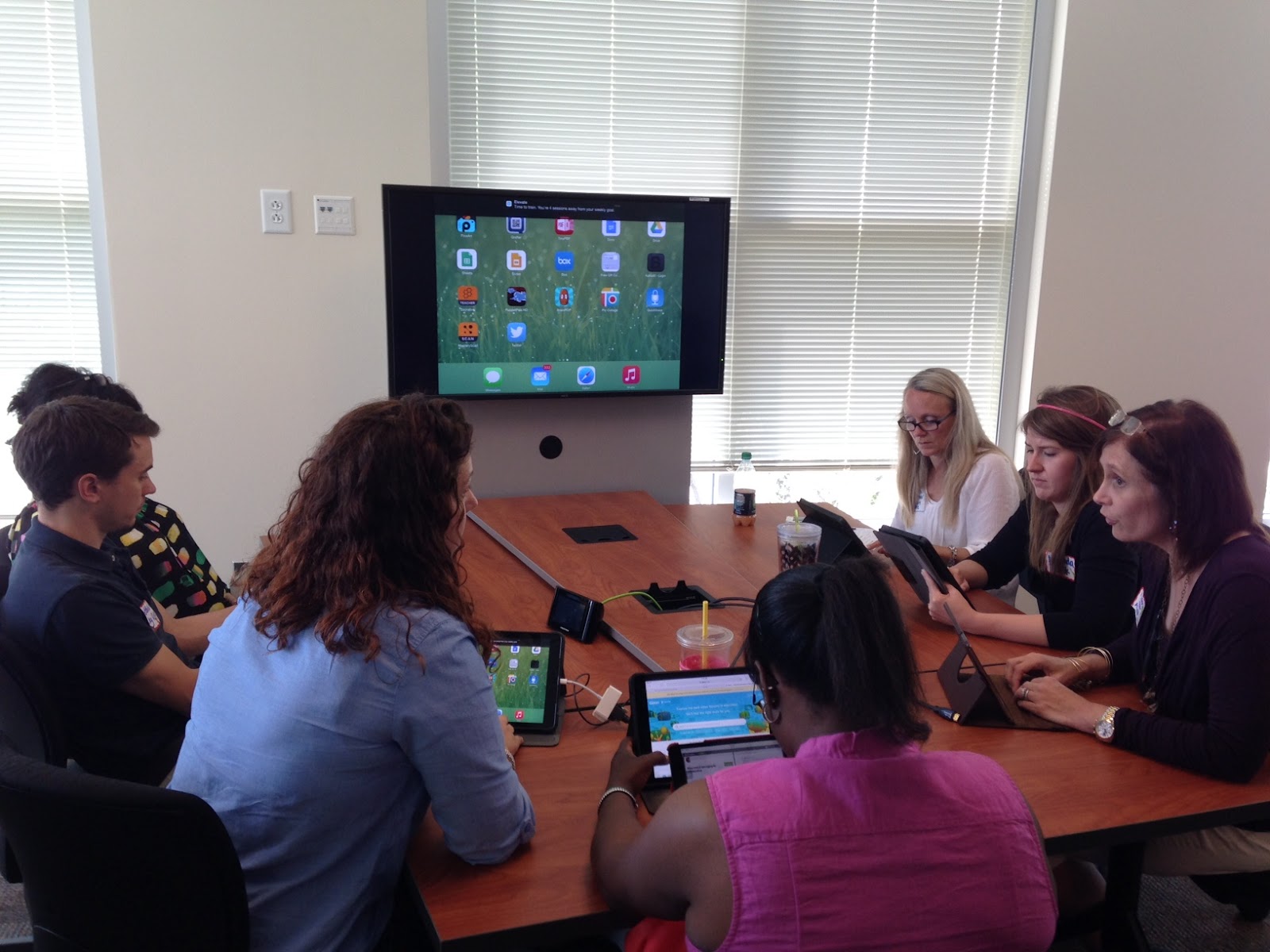
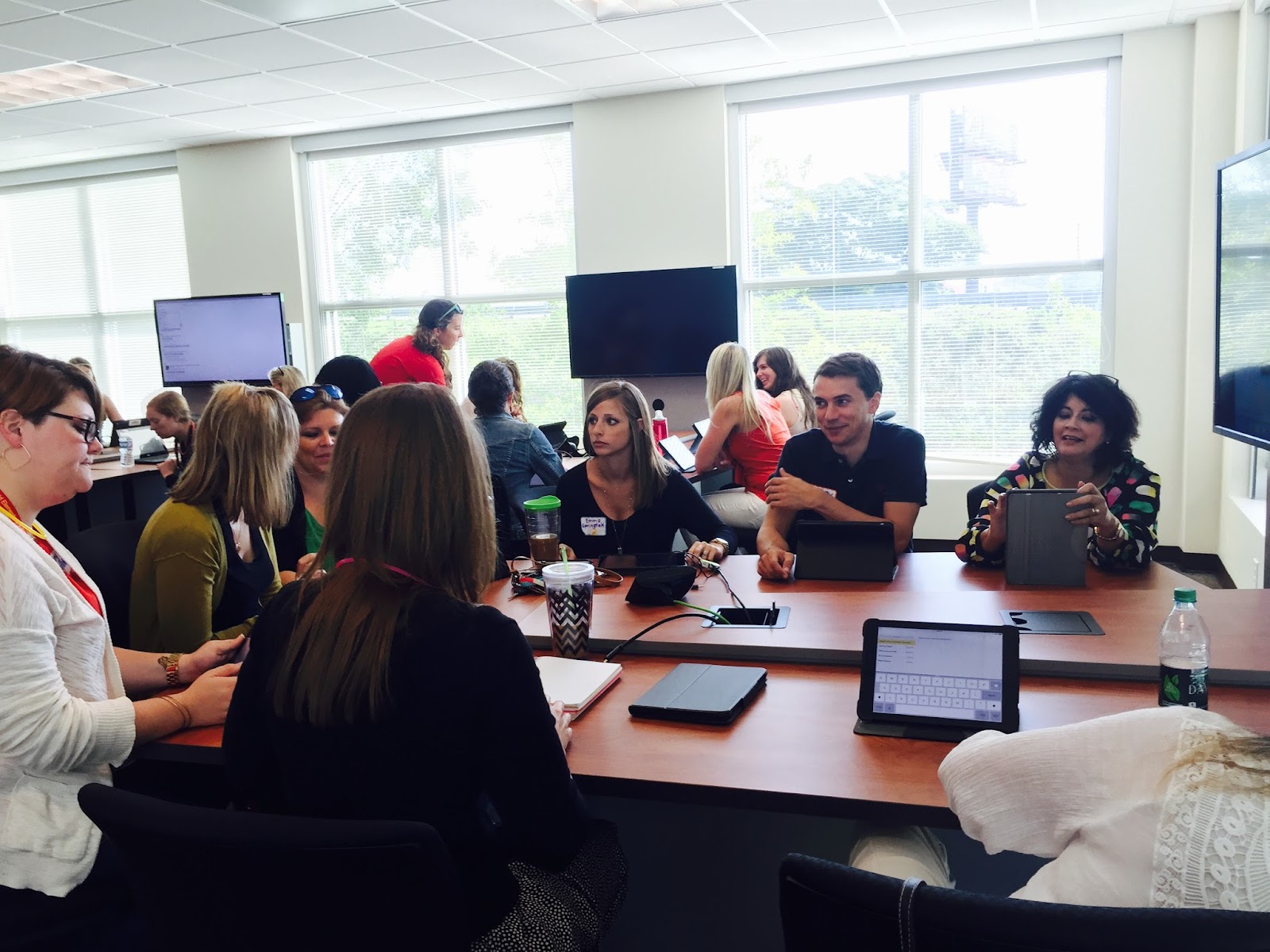
Here are some pictures of the high school iMovie Geniuses training their classmates.  The students were not told to stand and teach, but some chose to.


Grammar and Writing Differentiation

For differentiation in the ELA classroom, No Red Ink is a godsend.  First offered through Edmodo as an app, it is migrating completely to its website on June 30, 2016.  See the company announcement below.

As you may have heard, NoRedInk will no longer integrate with Edmodo starting June 30, 2016. On that date, we will transition your account to the NoRedInk website. Your data and classes will travel with you, and the site will look and behave just as it always has. The only change is that you will begin logging in at noredink.com
 rather than through an Edmodo app.
On June 30, we will send instructions to this email address. If you’d like to use a different address, please launch the NoRedInk app and go to your settings page. 
You can learn more about the change here
. Also feel free to reach out with questions. 
Thanks for all that you do,
The NoRedInk Team

If you haven't already been using No Red Ink, now is the time to go to their website and set up an account.   This app offers grammar practice with parts of speech, sentences, commas, parallel structure, MLA citations and more.  This app could take you from 3rd grade through college.

If diagramming sentences did not excite you, try No Red Ink on for size.  It just might surprise you.

Thursday, April 7, 2016

Organizing Thoughts Through Voice

As an English teacher, I saw my job as teaching people to think well and write well.  The thinking was not nearly as difficult as the writing portion, and after leaving the classroom to coach teachers on how to effectively integrate technology into the classroom, I realize that writing was just a byproduct of what my real job was: to teach people how to communicate effectively.  Writing was just one way to effectively communicate.

With technology becoming ubiquitous in our personal, professional, and now educational lives, we have so many opportunities to communicate; learning how to communicate effectively is becoming more important than ever with the organization of ideas and the quality of speech and text being the main focus.

If organization of ideas is one of the big three factors, why does written text take precedence over spoken word?  Perhaps it has been that way because writing is permanent and digital writing is searchable.  However, things have changed.  Now, video is streaming live through Facebook and it is searchable on YouTube.  Audio is also more prominent and is also searchable.  While writing used to be more permanent, it is now just as temporary as audio and video because most of it is saved digitally.  So then, why are we still focused on writing as the apex of communication?

Organizing ideas for verbal communication such as a speech or a podcast is just as challenging as the written word save the grammatical hangups.  For our more verbal students, organizing thoughts for speech might even be a stepping stone to better writing because the student will process the information in a way that is his strength.  Just as with scaffolding, this could scaffold for a hesitant writer.  Check out this slidedeck with instructions for how to prepare for a speech.


That's where podcasting comes in.  Podcasting is much like a radio broadcast.  There are no images or written text.  Everything is recorded in audio form.  Some great examples can be found in iTunes and on StoryCorps.Org  1100+ of which have been shared on NPR.org.  There are free audio apps available on all mobile devices from regular phones, to smartphones, to tablets.  Apple or Android - it doesn't matter.

Apps and Websites
For Apple users, the Voice Record Pro App is free and powerful.  Among the many features it offers, it allows you to import and export from Google Drive, offers editing, and saves into multiple formats.  The age  label is 4+ which means it is easy enough for kindergarteners to use.

For Chromebook users, Vocaroo.com is a simple, web-based voice recorder that offers a simple record, pause, and stop dashboard.  The recording is saved on Vocaroo's servers for 2-3 months and then is deleted.  It offers the user a link that can be copied and pasted to share with others.  I love this app for simple checking for understanding especially for the younger children who can speak more easily than write.  I have used this successfully with students as low as first grade.

The world is changing, and the good news is that it now offers us many new ways to interact and assess our students.  Check out podcasting for a new and different experience.

Friday, February 5, 2016

Critical Thinking and Collaboration Through Mystery Skype

Have you been wondering how you can foster critical thinking and collaboration on a much larger scale than just within the four walls of your classroom?  If you've answered "yes" to this question, you might be wondering how to do this.  One answer: Mystery Skype!  Mystery Skype is a way to connect with another classroom in another school, state or country.  Most teachers find partner teachers through Twitter, where connections are made during Twitter chats or just with a quick tweet asking for interest.  Most of the time, the ultimate goal is to guess, using questioning, where each other are located.  However, there are variations on this. (see page 51-52 of the linked page for variations.)

At Ashley River Creative Arts Elementary, Mr. Carrington's 4th grade class participated in their first Mystery Skype just this week with a sixth grade class in Kansas.  A shared Google Document was created where Mr. Carrington's students could add possible questions and also list the answers to the questions that were asked.  Students used Google Maps on their iPads as well as atlases to help support their search.  Students were only allowed to ask "Yes" or "No" questions to narrow down their search.  As the Skype progressed, students went from asking questions such as "Are you in the United States?" to "Are you one of the 13 original colonies?" to "Are you North of Myrtle Beach?"  They began to realize how specific they needed to be to get useful information.  Kudos to Mr. Carrington for providing this engaging, authentic learning opportunity!

Thursday, February 4, 2016

Up Next: Changing Tides - Take 1


How exciting are tides and currents?  Very exciting when you have an awesome 5th grade teacher and a set of Chromebooks.  Students in Keith Pridgen and Francine Brewer's 5th grade science classes are researching tides and presenting their information in various formats.  They are working both independently and collaboratively to complete the task.

To prepare technically for the unit, all users installed the Screencastify extension from the Google Web Store.  This was done whole class and was completed within 5 minutes.  According to the Google Web Store, "Screencastify is a simple video screen capture software (aka. screencast recorder) for Chrome. It is able to record all screen activity inside a tab, including audio. Just press record and the content of your tab is recorded. So you can easily create a screencast for video tutorials, record presentations, etc. (Learn more here). Students were directed to explore the app and then were walked through some settings to make sure it will properly download and save into Google Drive. These settings will differ based on your school's filter settings, whether you are a GAFE school, and whether students are using Google Drive.

The unit began with a rubric for their presentation which provided voice and choice: choose your group partners, choose additional information to share, and choose the format of the final presentation.  Instruction began with a brief overview of the most common terms the students needed to know.  Because the teachers were using this unit as a jigsaw in which students will learn from one another, they provided the students with questions to be answered.  The students completed their research independently and then collaborated to create the final presentation.

Students were given the options to present live with a slideshow (Slides), verbally through a recording (Vocaroo), or in YouTube fashion (Screencastify). Not surprisingly, this generation who cut their teeth on YouTube videos unanimously chose to do screen cast presentations.

Because the students worked at their own pace, each group progressed to different stages at different times.  A group of boys was ready to attempt the screencast using Screencastify.  They wanted to be the stars of the show, so they set up their Screencastify settings using the CAM tab with the built in microphone and the built in camera turned on.

After getting the webcam lined up properly, the boys started their first take few takes.  See the video below.

After watching the preview, the students came up with the idea to use a second Chromebook to run as a teleprompter, so they wouldn't be looking at their paper while recording.  To complete this, the students were shown Google Docs and shared a file with one another.  The next step is to complete the teleprompter file and then practice and record again.


Friday, January 8, 2016

Kicking off 2016!

Happy New Year!  The 2015-2016 school year is filling up with wonderful work on mobile devices!  The Tech ICs would like to share some of the great things we have seen in the DLC classrooms.

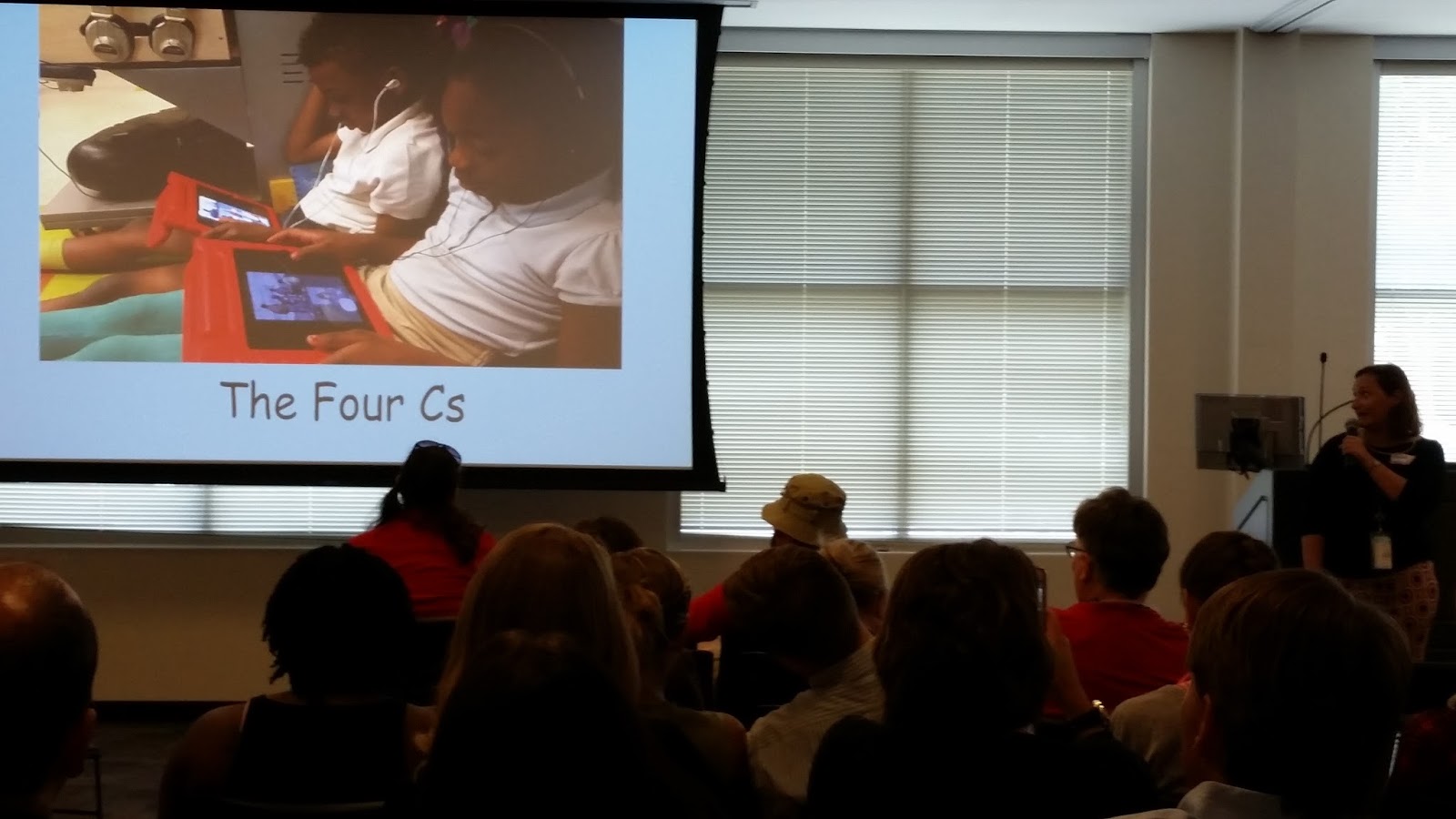
Teachers have been using both Edmodo and Google Classroom as workflow solutions.  In Edmodo, teachers are using Moby Max for differentiated learning in math and ELA.   In both Google Classroom and Edmodo, students are having online discussions, creating reading response journals and book reviews, and collaborating with their peers.  Students are using mobile devices to work in the Apple apps, such as Pages, Keynote, and iMovie to "show what they know."  The Google apps, such as Docs, Sheets, and Slides, have been used across all school levels to promote the 4 Cs: creativity, critical thinking, collaboration, and communication.  We have seen elementary students screen casting using Educreations and Screencastify!  Elementary through highschool students have been demonstrating their learning through podcasts using Voice Recorder Pro on iPads and Vocaroo on Chromebooks.  There are even some teachers that are dabbling in the implementation of blended learning and flipped classrooms.

We are looking forward to seeing the amazing things DLC teachers and students create on their mobile devices in the new year!


Monday, June 22, 2015

Digital Campfire Celebration - Successful Sharing Out!


In January of 2015, CCSD embarked on its first Digital Learning Cohort in an effort to guide teachers along their journey of the 1:1 classroom.  The cohort included 167 teachers from 46 schools broken into 12 cohorts.  On May 21, 2015, after only 5 months of exploring the 1:1 classroom, digital learning cohort teachers came together en masse to foster learning and growth among themselves.  Celebrating successes and gleaning tips and tricks from one another, the group enjoyed a well-earned day of fellowship and fun focused on improving and mastering the use of 1:1 devices in the classroom.  The day included a morning of “unconferencing” followed by lunch and teacher showcases where 10 teachers presented, sharing their experiences and escapades from the previous 5 months.  

20150521_091111 copy.jpg

The Un-conference

The word “un-conference” was new to most of us, but it is a word few of us will forget.  Rooms were labeled by topic and session, and teachers chose the rooms that interested them most.  Rooms were organized to facilitate small group, round-table discussions.  At first teachers were hesitant, not having any direction besides “Feel free to discuss the topic,” but once they started, the communication and collaboration filled the room with a chaotic but constructive clamor.  

Topics included exploring and sharing apps; SAMR and its role in lesson planning; 21st century skills and the 4Cs: creativity, communication, collaboration, and critical thinking; classroom management and SOPs; digital workflow solutions; student ownership of learning; and rubrics to guide learning and assessment. Teachers shared, asked and answered questions, brainstormed, problem-solved, scribbled notes, shared links, and swapped names for future contact.  Enlivened by the camaraderie and opportunity to give to and receive from colleagues, teachers left excited for the coming school year.

Apps that received multiple shout outs include Google Classroom, Edmodo, Moby Max, Book Creator, A Web Whiteboard App, Kahoot!, Socrative, Nearpod, Storyboard That, Chatterpix, and Google Docs.  Conspicuously absent were the drill-and-kill apps that many teachers initially seek out in a condition that has come to be known in some circles as “App Happy.”  While skill apps definitely have their place at the foundational level, creation apps won over most teachers as they stretched students to the upper levels of critical thinking: application, evaluation, creation.
FullSizeRender.jpgIMG_2332.JPGFullSizeRender.jpg

Teacher Showcase

After lunch the Campfire wrapped up with teacher presentations spanning elementary, middle and high school levels, iPads and chromebooks.  Shout outs to the 8 presenters: Julie Bullard, Ft. Johnson; Megan Orchard, Ft. Johnson Middle; Tammi Wilson, Military Magnet Academy; Shalea Griggs, James Island Middle; EC Setser, Laurel Hill Primary; Tammy Curtis, Ladson Elementary; Virginia Broadway, West Ashley High School; Ashley Barnes, Oakland Elementary; Jason Brisini, Wando High School; Christina Allegretto, Wando High School.

Sharing their flaws and foibles first, teachers laughed over their missteps and misconceptions  such as thinking there would be an app for the parts of the content the teacher and students didn’t find “particularly sexy.”  The wisdom that emerged is that “no app can teach better than the teacher”, and creation apps such as Pages, Keynote, Google Docs, Google Slides, Storyboard That and Nearpod are the apps to focus on because they enable the students to use their knowledge to create.

The teachers quickly moved on to the triumphs and accomplishments of their students.  4Cs -- creativity, collaboration, communication, and critical thinking -- were front and center in most presentations.  Student work samples amazed the audience, and the energy and optimism were infectious.  A low-achieving second grader found a way to share her learning and move closer to working on grade level. Hesitant writers were writing with enthusiasm.  High schoolers were awake, attentive, and communicative - no small feat in the classroom!  This sharing of accomplishments sowed seeds of hope in the hearts of all the teachers struggling to bring students up to and beyond grade level.

20150521_135545 copy.jpg 20150521_140901 copy.jpg

Next Steps
Surveying customers is invaluable for planning, growth, and success.  After surveying the DLC participants, the following factors emerged as most helpful:
  • 98% - monthly cohort meetings to debrief and plan for next steps
  • 96% - cohort meeting topics to focus on in the classroom
  • 95% - connecting with other teachers through the monthly meetings
  • 100% - digital resources shared during meetings and through technology coaches
  • 99% - dedicated Technology Instructional Coach for job-embedded professional development
Connecting with other teachers and having support are invaluable for educators.  As we move on to Phase 2 of the DLC, we look forward to supporting our DLC teachers as they become Digital Leader Teachers.  

Thank you to all who participated and continue to give us their trust along this journey to success for all students.  Have a safe and restful summer.  We’ll see you in August!

Friday, May 15, 2015

SAMR Speed Dating

Teachers in Cohort #8 (West Ashley Elementary DLC Schools) shared modified 1:1 lesson plans with each other in a speed dating format. They had two minutes to tell a partner the highlights in their lesson. After several rotations, they selected a partner they wanted to "date". The "date" conversations involved examining the level of SAMR, identifying learning opportunities for students to engage in one or more of the "4 Cs" (creation, collaboration, communication, and critical thinking), and the apps used in these lessons. The dates were very successful and all of the teachers learned from each other. They shared meaningful tips and suggestions with each other for 1:1 learning with iPads.  


Student Centered Learning with Audio Engineering - by Lacy Bryant

Roger Taylor, statistics and calculus teacher at Charleston County School of the Arts, has a unique perspective on using technology to teach the 4C’s (Communication, Collaboration, Creativity, and Critical Thinking) and the highest levels of Bloom's Taxonomy.


Like many of us, Roger spent a few years in a completely different field before becoming a teacher. In his previous life, he was both an audio engineer and security specialist for a large company. When Roger joined the School of the Arts as a math teacher, he brought his passion and expertise with him.


Together with his students, Roger has built an audio engineering program where students use the technology that they have available to create, produce, and publish high quality original music on a limited budget. One of the driving ideas of his class is that he wants musicians to see that they can create professional music using their own knowledge, experience, and equipment without paying outrageous prices for professional studio time. This is extremely applicable to SOA students because many of them attend to develop their various art abilities. Roger saw a need to help students go beyond just learning the skills, by finding an avenue to help them create, collaborate, and share their talents with the world.


Today, when I visited the audio engineering class, I got to speak with several students and see some examples of his student’s final projects…. and I was amazed! For the final project, students were tasked to create a band, write and produce an original piece of music, and publish it via Youtube. (...remember Bieber fever?) Each little sound, no matter how small, had to be recorded and documented as evidence of originality and application of various audio engineering techniques that they had learned over the year. The Pecan Sandies, one of the bands in Roger's class, finished their project today and I have linked it below for you to check out! If you are interested in more information about the audio engineering program at SOA, subscribe to the Charleston County School of the Arts Audio Engineering Youtube Channel or send a message to Roger Taylor via the SOA/CCSD webpage.


    The Pecan Sandies
    "Take Me to School, I Don't Wanna Go to the Duck Pond 2015"


Disclaimer: I apologize to Mr. Taylor and to his students for my lack of expertise in audio engineering. I recognize the amazing things that you have accomplished this year and I regret that I do not have the vocabulary to elaborate on your professionalism and accomplishments in this area. I encourage you to continue to do amazing things and share it with the world!


Wednesday, May 13, 2015

Are you ready for the #CCSDDigitalCampfire?


CCSD Digital Campfire                      
DLC Showcase & Share Event   
May 21st                       


Participating DLC teachers will come together to celebrate, showcase and share their experiences with 21st century learning and 1:1 implementation.

This day-long event will follow an “unconference” format in the morning, in which teachers will share with and learn from each other.

In the afternoon, selected teacher leaders will showcase digital learning experiences from their classrooms for our district guests.

We look forward to celebrating all of our Digital Learning Cohort teachers at this event! #CCSDDigitalCampfire

Friday, May 8, 2015

March Madness End of Year Review


Final exams  and End of Course, EOC, exams are upon us.  How to review a full year's content with students while making it interesting and relevant is a real challenge.  Review packets and Jeopardy reviews are still popular, but how does a student own this learning, and how does a teacher know whether all students are participating and how each is functioning?  Two great interactive review sites are StudyStack.com and Quizlet.com

Background Info
At the West Ashley Advanced Studies Magnet in Charleston County School District, Chad Rentz and his 7th grade team partners -- Cassandra Lock, Jayuntay Williams, and Jamie Schmidt -- solved this problem using iPads and StudyStack.com, an interactive quizzing system.  The full team of students, around 100, converged on the cafeteria for a March Madness-style competition.  Using the website freebracketgenerator.com, Rentz created a bracket for 4-man teams to compete against one another  using an online quizzing system, StudyStack.com.  He created a review stack for 7th grade South Carolina standards, and the students applied their knowledge of the terms and definitions using the timed matching activity.  After the science round, the social studies round by Ms. Lock ensued.

Meaningful Exercises
Keeping the survivors on task was easy; it was the eliminated players who presented the greatest challenge.  To keep everyone focused on the review, eliminated players gathered in one area and were given a chance to win consolation prizes by continuing to review using standards-based questions through StudyStack again.  This time, the exercises were not timed, and students had to type in the correct answers to questions.  See directions sheet below.

The silence and focus throughout the cafeteria was shocking.  These were students who would not have filled out a review packet had it been given to them, and yet they were all focused on standards-based questions.  On the SAMR scale for technology use, this would have come it at a base level of substitution or maybe augmentation for the ease of workflow, but there was something else going on here.  The competitive quality of the exercise hooked these eighth graders and raised their level of interest.  Because they bought into it, they were willing to interact with the content in a way that had not occurred up to this point this year.


Prior Planning Prevents Poor Performance
Can other teachers have a successful event like this one?  Of course they can.  This event was brainstormed, planned, and completed in a week's time.  These teachers knew their kids; they knew what to expect if left to their own devices, no pun intended.  As a result, a few extra adults were called in for back up support; consolation exercises were planned which allowed students to review the information and complete the exercises as many times as they chose to master the content.  If you are looking for some creative and fun ways to use your technology to help engage students, I recommend studystack.com and quizlet.com with team competitions as well as other creative applications.  
 

Tuesday, May 5, 2015

Chromebooks and Sheep Brain Dissection!


Kellie Carpen’s 7th graders had the most authentic (and grotesque for some!) activity today… dissecting a sheep’s brain! As part of Project Lead The Way, students acted as medical detectives to investigate the different parts of the the brain! It was amazing to learn that the anatomy of a sheep’s brain is so close to that of a human brain! Groups had a designated "Chromebook Operator" to document their findings using the camera app, Google Docs, and Google Sheets.

When students were asked about the different parts, this is what they said:
What is the function of the Brain Stem?
Gavin: responsible for Involuntary actions
Ricky: responsible for breathing, heart rate, and removing waste, and digestion
Describe the Cerebrum:
Mary Grace: it has different lobes
Joshua: in charge of more complex thinking, problem solving, and mathematics

What are your thoughts about this activity overall?
Mary Grace: It’s gross but kind of awesome - actually, mostly awesome!
Jordan: A lot of fun and it gives me a good visual!
Gavin: It’s like being an actual surgeon
Kelley: Gross!

Thursday, April 30, 2015

Sketchpad 3.5


"Show What You Know" with Storyboard That!

Students in Rebecca Strong’s 6th grade science class at Cario Middle School are used to using creative ways to review the science standards at the end of a unit. She has had them make a visual display called “Show What You Know,” where the students must demonstrate their knowledge on specific topics using diagrams, pictures, and written explanations. While these paper-and-pencil posters have their place in her toolbox, she was anxious to try something new. Her students used “Storyboard That” to create 6-
frame comic strips in which they incorporated the animal unit standards into creative review projects. The students LOVED the creativity that the Chromebooks/Storyboard That afforded them. Ms. Strong loved the enthusiasm that her students had for finding creative ways to demonstrate their learning. 


Cario Students Are Head Over Heels For Chromebooks!

The 6th grades students in our pod fell head over heels in love with the chromebooks.  They would gladly have had their hands on those keys every day.  They were like sponges and soaked up information on apps and other tools quickly.  As a teacher, I found that classroom management was a breeze-especially  once they learned how to manipulate new apps and tools.  This was an amazing experience and I loved it!!  

Our students worked on a research project on South Carolina animals.  This project has been done for years and entails ELA collaborating with Science, intermingling both standards into one project.  We changed up the process a little and also, the end product but were able to not only cover Science and ELA standards, but all of the ISTE standards as well.

-Ms. Hurt, Sixth Grade Science Teacher


Saturday, April 18, 2015

Preparing for EOCs - by Lacy Bryant

How can teachers and students use technology to prepare for End of Course exams? Ms. Anderson, Algebra teacher at Garrett Academy, has one solution to the problem.

Teaching high level math courses using technology can be very challenging. Many of the apps, programs, extensions, and websites that she and I have looked in to do not allow students to practice higher level math skills. Trying to translate this (e^25/f^10)^(2/5) into a math problem that actually looks and reads as math problems is very difficult. (Math teachers are probably the only people who can really appreciate the difficulty of the above stated problem. If you are a non-math teacher like myself, you just have to trust me on this one.)


Ms. Anderson has put a lot of thought into solving this problem. She has set up her Google Classroom to use a combination of technology (helpful videos, sharing presentations that she has made, sending and gathering students work) and traditional paper/pencil lessons. Students are now able to work more independently learning the necessary math skills while also receiving valuable 1:1 attention from her when it is needed. Students today were learning about and practicing "Solving Radical Equations Algebraically."


Great job Ms. Anderson and great job to Ms. Anderson's students who are working so diligently to master difficult mathematical concepts! You rock!! I look forward to teaching you and your students how to make your own math videos (that are far better, funnier and smarter than the videos you watched today)!

Wednesday, April 15, 2015

Collaboration with Google Drive on the West African Kingdoms

Ms. Duhan's students worked with a partner to complete a graphic organizer comparing the West African Kingdoms on a Google Document. They used multiple sources in both print and digital to fill in the individual boxes for each West African Kingdom. They learned how to share a document and work simultaneously on their individual Chromebooks. They also practiced using Google tools like research  and image search. These 6th graders enjoyed working with a partner to complete the same task but also being able to work independently on their own Chromebook.  They had the option to sit next to their partner or work with them from a distance. Here is an example of one group's completed project. ​​​

Tuesday, April 14, 2015

QR Code Scavenger Hunt=Vocabulary Fun!

Mrs. Sally Rhodes' first grade class at Oakland Elementary School were all smiles this morning as they heard their assignment for practicing their "ar" words.  Words like "bark" and "dark" became more exciting as they learned that they would be using QR codes to practice them.  Mrs. Rhodes created 12 QR codes that had sentences with blanks.  Students worked in pairs and traveled around the room scanning the codes, getting the sentences and determining which word fit in the blank.  Not only was this activity fun (even prompting one student to ask if this was recess), it allowed for collaboration and critical thinking.  Students were handing out high fives to their partners as they completed a sentence and worked well to discuss why the correct word fit and the others did not.  The level of engagement and communication that I saw was proof that using QR codes are an easy way to increase engagement and rigor in any classroom.

Cost of Living, What's the Ecosystem Worth?

Mrs. Brooks' science classes kicked off their ecosystems unit with this driving question: "Does the soil around Cario Middle have healthy enough soil to grow a crop of corn?" Students were asked to collect soil from various areas around Cario Middle and analyze the ph levels in the soil using Vernier probes. 
After learning about the impact of development (and there is quite a lot of it going on in Mount Pleasant), and understanding ph levels (5-7 is a healthy ph level), students had this to say about the ecosystem where they live:
George: "I want to try to protect it (ecosystem)."
Avery: "I think there will be more extinct species because people are unaware and some people (developers) just don't care."
Sienne: "Doing this project shows me how bad the condition of our ecosystem is in."
Caroline: "This unit has taught me how important (the condition of) soil is to our animals as well as people."
Will: "It helps us learn more about how to protect the ecosystem not just wanting to protect it"
Students are beginning to build their own 3 chamber ecosystems this week (complete with live animals!), and will continue on to Pitt Street Bridge to build their very own oyster farm! Mrs. Brooks definitely puts the WOW factor into learning! Thank you Mrs. Brooks for all that you do!
-Rebecca Roemer


Friday, April 10, 2015

School of the Arts Receives Complimentary Apple Watches! - By Lacy Bryant

The week after Spring Break is always a hard one. Although the year is coming to a close, teachers still have a lot of work to do. There are papers to grade, parents to meet with, end of course exams to prepare for, and a million other loose ends to tie up. Teachers at School of the Arts are up to the challenge and are notorious for keeping a positive attitude. Because of their sincere dedication and hard work, Apple has generously donated several brand new Apple Watches to select faculty members. Ben Moore told me, "It was really hard to sleep with my watch on, but the alarm clock was loud enough to wake me up."

Congratulations to the School of the Arts staff for this amazing accomplishment! 


"Everybody says it is just like the nano, but we think it is much easier to see." - Sarah Fitzgerald


Officer Thornburg - "The selfie possibilities are endless!"