Friday, January 8, 2016

Kicking off 2016!

Happy New Year!  The 2015-2016 school year is filling up with wonderful work on mobile devices!  The Tech ICs would like to share some of the great things we have seen in the DLC classrooms.

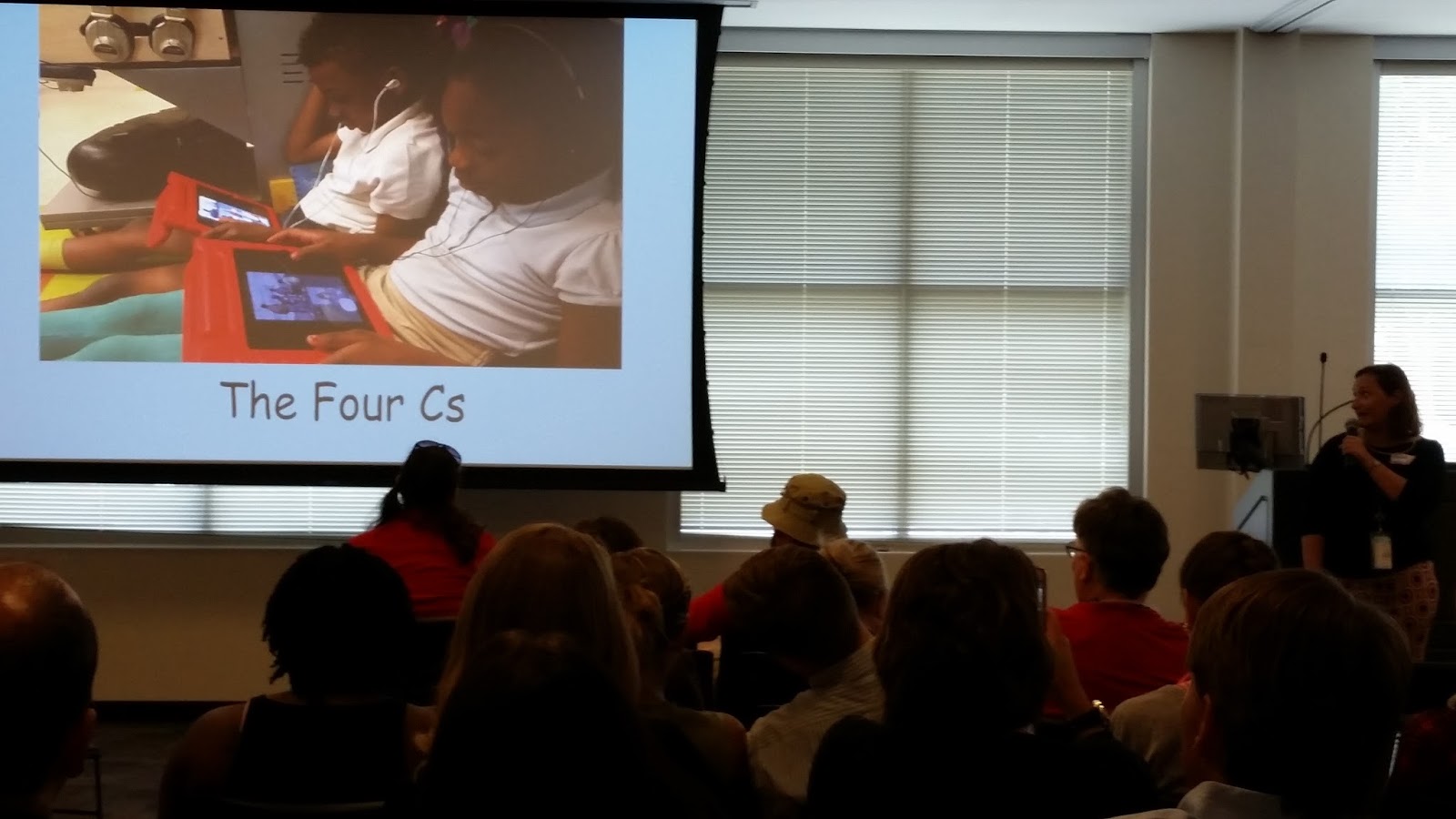
Teachers have been using both Edmodo and Google Classroom as workflow solutions.  In Edmodo, teachers are using Moby Max for differentiated learning in math and ELA.   In both Google Classroom and Edmodo, students are having online discussions, creating reading response journals and book reviews, and collaborating with their peers.  Students are using mobile devices to work in the Apple apps, such as Pages, Keynote, and iMovie to "show what they know."  The Google apps, such as Docs, Sheets, and Slides, have been used across all school levels to promote the 4 Cs: creativity, critical thinking, collaboration, and communication.  We have seen elementary students screen casting using Educreations and Screencastify!  Elementary through highschool students have been demonstrating their learning through podcasts using Voice Recorder Pro on iPads and Vocaroo on Chromebooks.  There are even some teachers that are dabbling in the implementation of blended learning and flipped classrooms.

We are looking forward to seeing the amazing things DLC teachers and students create on their mobile devices in the new year!


Monday, June 22, 2015

Digital Campfire Celebration - Successful Sharing Out!


In January of 2015, CCSD embarked on its first Digital Learning Cohort in an effort to guide teachers along their journey of the 1:1 classroom.  The cohort included 167 teachers from 46 schools broken into 12 cohorts.  On May 21, 2015, after only 5 months of exploring the 1:1 classroom, digital learning cohort teachers came together en masse to foster learning and growth among themselves.  Celebrating successes and gleaning tips and tricks from one another, the group enjoyed a well-earned day of fellowship and fun focused on improving and mastering the use of 1:1 devices in the classroom.  The day included a morning of “unconferencing” followed by lunch and teacher showcases where 10 teachers presented, sharing their experiences and escapades from the previous 5 months.  

20150521_091111 copy.jpg

The Un-conference

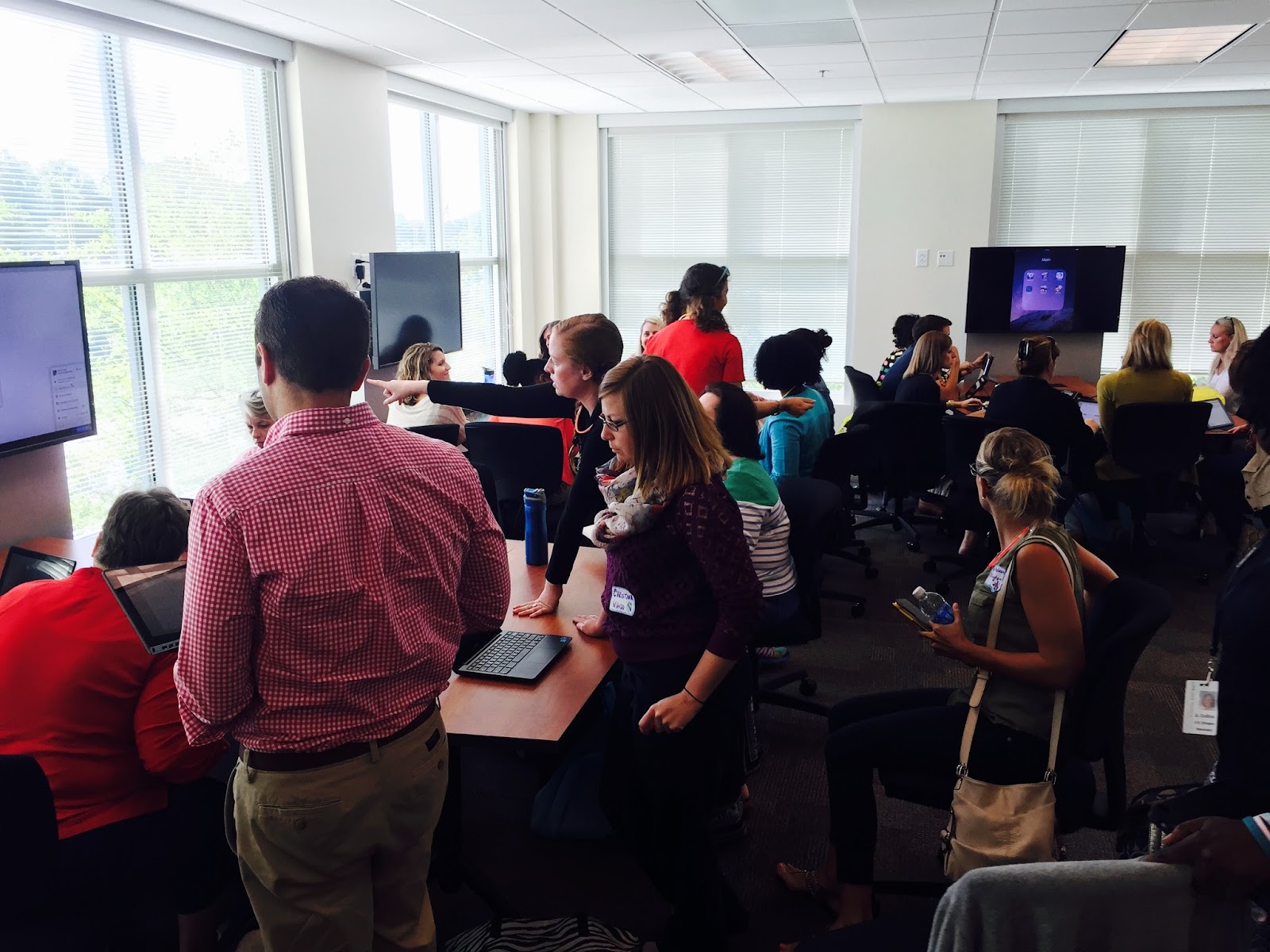
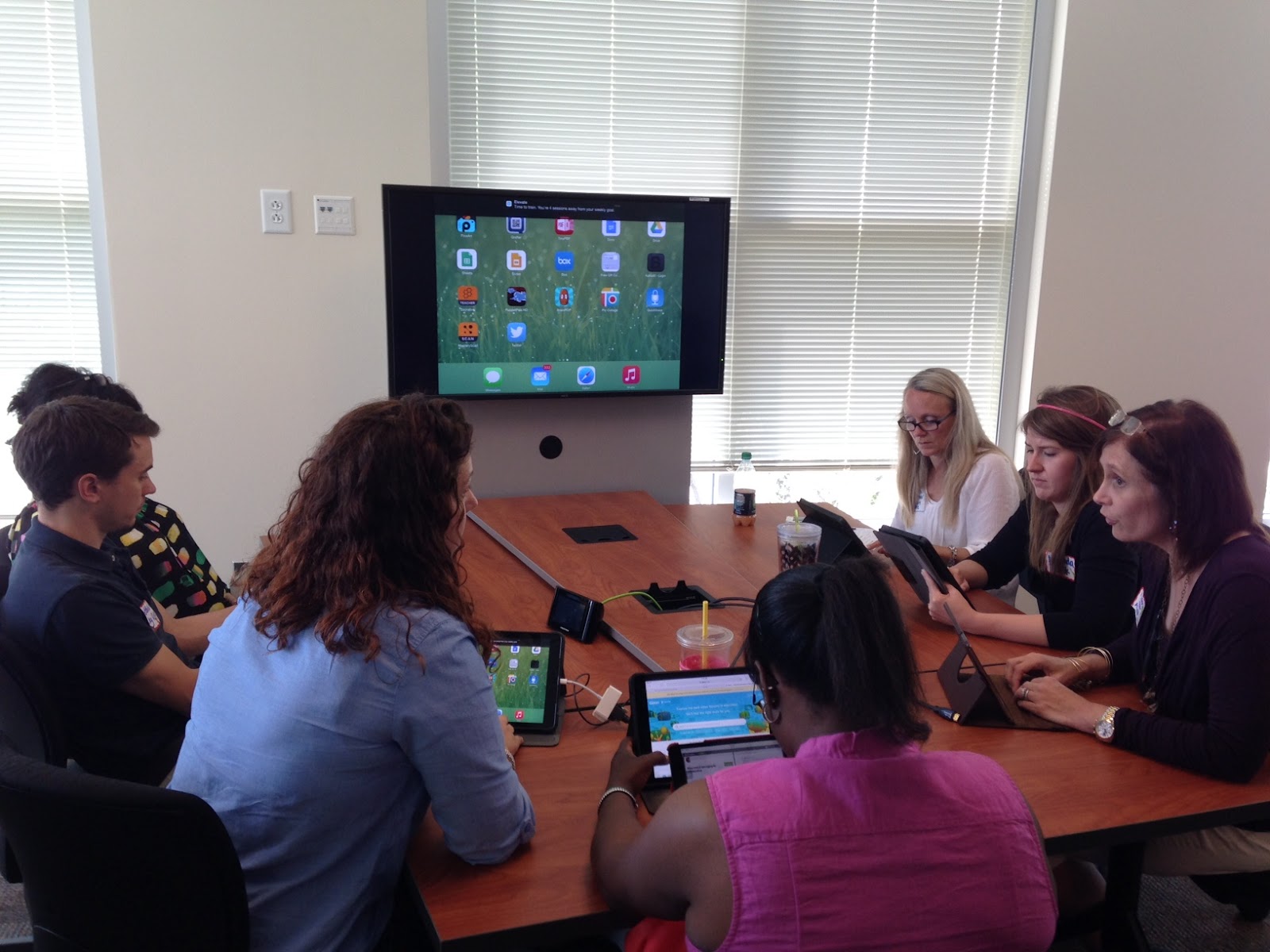
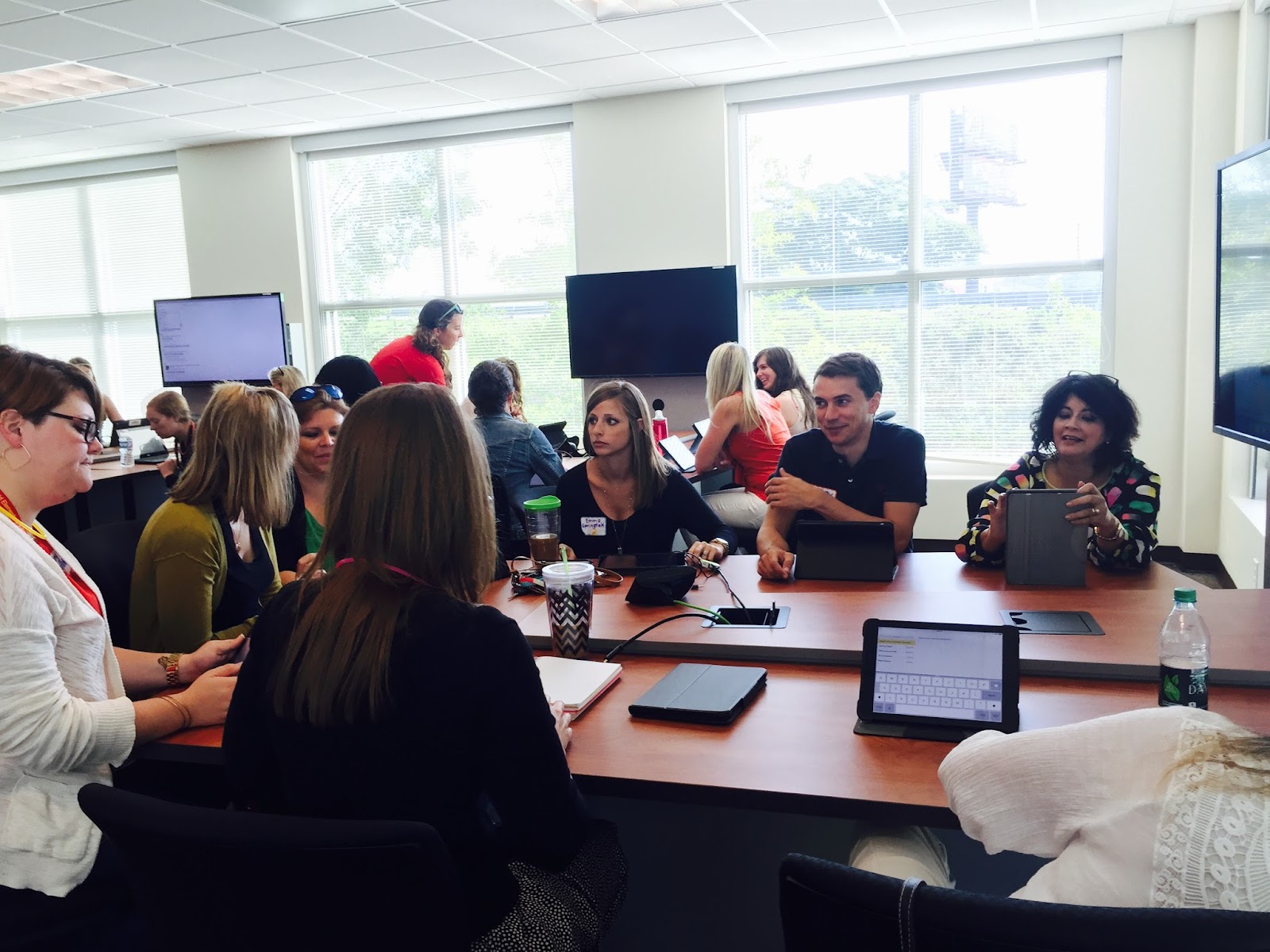
The word “un-conference” was new to most of us, but it is a word few of us will forget.  Rooms were labeled by topic and session, and teachers chose the rooms that interested them most.  Rooms were organized to facilitate small group, round-table discussions.  At first teachers were hesitant, not having any direction besides “Feel free to discuss the topic,” but once they started, the communication and collaboration filled the room with a chaotic but constructive clamor.  

Topics included exploring and sharing apps; SAMR and its role in lesson planning; 21st century skills and the 4Cs: creativity, communication, collaboration, and critical thinking; classroom management and SOPs; digital workflow solutions; student ownership of learning; and rubrics to guide learning and assessment. Teachers shared, asked and answered questions, brainstormed, problem-solved, scribbled notes, shared links, and swapped names for future contact.  Enlivened by the camaraderie and opportunity to give to and receive from colleagues, teachers left excited for the coming school year.

Apps that received multiple shout outs include Google Classroom, Edmodo, Moby Max, Book Creator, A Web Whiteboard App, Kahoot!, Socrative, Nearpod, Storyboard That, Chatterpix, and Google Docs.  Conspicuously absent were the drill-and-kill apps that many teachers initially seek out in a condition that has come to be known in some circles as “App Happy.”  While skill apps definitely have their place at the foundational level, creation apps won over most teachers as they stretched students to the upper levels of critical thinking: application, evaluation, creation.
FullSizeRender.jpgIMG_2332.JPGFullSizeRender.jpg

Teacher Showcase

After lunch the Campfire wrapped up with teacher presentations spanning elementary, middle and high school levels, iPads and chromebooks.  Shout outs to the 8 presenters: Julie Bullard, Ft. Johnson; Megan Orchard, Ft. Johnson Middle; Tammi Wilson, Military Magnet Academy; Shalea Griggs, James Island Middle; EC Setser, Laurel Hill Primary; Tammy Curtis, Ladson Elementary; Virginia Broadway, West Ashley High School; Ashley Barnes, Oakland Elementary; Jason Brisini, Wando High School; Christina Allegretto, Wando High School.

Sharing their flaws and foibles first, teachers laughed over their missteps and misconceptions  such as thinking there would be an app for the parts of the content the teacher and students didn’t find “particularly sexy.”  The wisdom that emerged is that “no app can teach better than the teacher”, and creation apps such as Pages, Keynote, Google Docs, Google Slides, Storyboard That and Nearpod are the apps to focus on because they enable the students to use their knowledge to create.

The teachers quickly moved on to the triumphs and accomplishments of their students.  4Cs -- creativity, collaboration, communication, and critical thinking -- were front and center in most presentations.  Student work samples amazed the audience, and the energy and optimism were infectious.  A low-achieving second grader found a way to share her learning and move closer to working on grade level. Hesitant writers were writing with enthusiasm.  High schoolers were awake, attentive, and communicative - no small feat in the classroom!  This sharing of accomplishments sowed seeds of hope in the hearts of all the teachers struggling to bring students up to and beyond grade level.

20150521_135545 copy.jpg 20150521_140901 copy.jpg

Next Steps
Surveying customers is invaluable for planning, growth, and success.  After surveying the DLC participants, the following factors emerged as most helpful:
  • 98% - monthly cohort meetings to debrief and plan for next steps
  • 96% - cohort meeting topics to focus on in the classroom
  • 95% - connecting with other teachers through the monthly meetings
  • 100% - digital resources shared during meetings and through technology coaches
  • 99% - dedicated Technology Instructional Coach for job-embedded professional development
Connecting with other teachers and having support are invaluable for educators.  As we move on to Phase 2 of the DLC, we look forward to supporting our DLC teachers as they become Digital Leader Teachers.  

Thank you to all who participated and continue to give us their trust along this journey to success for all students.  Have a safe and restful summer.  We’ll see you in August!

Friday, May 15, 2015

SAMR Speed Dating

Teachers in Cohort #8 (West Ashley Elementary DLC Schools) shared modified 1:1 lesson plans with each other in a speed dating format. They had two minutes to tell a partner the highlights in their lesson. After several rotations, they selected a partner they wanted to "date". The "date" conversations involved examining the level of SAMR, identifying learning opportunities for students to engage in one or more of the "4 Cs" (creation, collaboration, communication, and critical thinking), and the apps used in these lessons. The dates were very successful and all of the teachers learned from each other. They shared meaningful tips and suggestions with each other for 1:1 learning with iPads.  


Student Centered Learning with Audio Engineering - by Lacy Bryant

Roger Taylor, statistics and calculus teacher at Charleston County School of the Arts, has a unique perspective on using technology to teach the 4C’s (Communication, Collaboration, Creativity, and Critical Thinking) and the highest levels of Bloom's Taxonomy.


Like many of us, Roger spent a few years in a completely different field before becoming a teacher. In his previous life, he was both an audio engineer and security specialist for a large company. When Roger joined the School of the Arts as a math teacher, he brought his passion and expertise with him.


Together with his students, Roger has built an audio engineering program where students use the technology that they have available to create, produce, and publish high quality original music on a limited budget. One of the driving ideas of his class is that he wants musicians to see that they can create professional music using their own knowledge, experience, and equipment without paying outrageous prices for professional studio time. This is extremely applicable to SOA students because many of them attend to develop their various art abilities. Roger saw a need to help students go beyond just learning the skills, by finding an avenue to help them create, collaborate, and share their talents with the world.


Today, when I visited the audio engineering class, I got to speak with several students and see some examples of his student’s final projects…. and I was amazed! For the final project, students were tasked to create a band, write and produce an original piece of music, and publish it via Youtube. (...remember Bieber fever?) Each little sound, no matter how small, had to be recorded and documented as evidence of originality and application of various audio engineering techniques that they had learned over the year. The Pecan Sandies, one of the bands in Roger's class, finished their project today and I have linked it below for you to check out! If you are interested in more information about the audio engineering program at SOA, subscribe to the Charleston County School of the Arts Audio Engineering Youtube Channel or send a message to Roger Taylor via the SOA/CCSD webpage.


    The Pecan Sandies
    "Take Me to School, I Don't Wanna Go to the Duck Pond 2015"


Disclaimer: I apologize to Mr. Taylor and to his students for my lack of expertise in audio engineering. I recognize the amazing things that you have accomplished this year and I regret that I do not have the vocabulary to elaborate on your professionalism and accomplishments in this area. I encourage you to continue to do amazing things and share it with the world!


Wednesday, May 13, 2015

Are you ready for the #CCSDDigitalCampfire?


CCSD Digital Campfire                      
DLC Showcase & Share Event   
May 21st                       


Participating DLC teachers will come together to celebrate, showcase and share their experiences with 21st century learning and 1:1 implementation.

This day-long event will follow an “unconference” format in the morning, in which teachers will share with and learn from each other.

In the afternoon, selected teacher leaders will showcase digital learning experiences from their classrooms for our district guests.

We look forward to celebrating all of our Digital Learning Cohort teachers at this event! #CCSDDigitalCampfire

Friday, May 8, 2015

March Madness End of Year Review


Final exams  and End of Course, EOC, exams are upon us.  How to review a full year's content with students while making it interesting and relevant is a real challenge.  Review packets and Jeopardy reviews are still popular, but how does a student own this learning, and how does a teacher know whether all students are participating and how each is functioning?  Two great interactive review sites are StudyStack.com and Quizlet.com

Background Info
At the West Ashley Advanced Studies Magnet in Charleston County School District, Chad Rentz and his 7th grade team partners -- Cassandra Lock, Jayuntay Williams, and Jamie Schmidt -- solved this problem using iPads and StudyStack.com, an interactive quizzing system.  The full team of students, around 100, converged on the cafeteria for a March Madness-style competition.  Using the website freebracketgenerator.com, Rentz created a bracket for 4-man teams to compete against one another  using an online quizzing system, StudyStack.com.  He created a review stack for 7th grade South Carolina standards, and the students applied their knowledge of the terms and definitions using the timed matching activity.  After the science round, the social studies round by Ms. Lock ensued.

Meaningful Exercises
Keeping the survivors on task was easy; it was the eliminated players who presented the greatest challenge.  To keep everyone focused on the review, eliminated players gathered in one area and were given a chance to win consolation prizes by continuing to review using standards-based questions through StudyStack again.  This time, the exercises were not timed, and students had to type in the correct answers to questions.  See directions sheet below.

The silence and focus throughout the cafeteria was shocking.  These were students who would not have filled out a review packet had it been given to them, and yet they were all focused on standards-based questions.  On the SAMR scale for technology use, this would have come it at a base level of substitution or maybe augmentation for the ease of workflow, but there was something else going on here.  The competitive quality of the exercise hooked these eighth graders and raised their level of interest.  Because they bought into it, they were willing to interact with the content in a way that had not occurred up to this point this year.


Prior Planning Prevents Poor Performance
Can other teachers have a successful event like this one?  Of course they can.  This event was brainstormed, planned, and completed in a week's time.  These teachers knew their kids; they knew what to expect if left to their own devices, no pun intended.  As a result, a few extra adults were called in for back up support; consolation exercises were planned which allowed students to review the information and complete the exercises as many times as they chose to master the content.  If you are looking for some creative and fun ways to use your technology to help engage students, I recommend studystack.com and quizlet.com with team competitions as well as other creative applications.  
 

Tuesday, May 5, 2015

Chromebooks and Sheep Brain Dissection!


Kellie Carpen’s 7th graders had the most authentic (and grotesque for some!) activity today… dissecting a sheep’s brain! As part of Project Lead The Way, students acted as medical detectives to investigate the different parts of the the brain! It was amazing to learn that the anatomy of a sheep’s brain is so close to that of a human brain! Groups had a designated "Chromebook Operator" to document their findings using the camera app, Google Docs, and Google Sheets.

When students were asked about the different parts, this is what they said:
What is the function of the Brain Stem?
Gavin: responsible for Involuntary actions
Ricky: responsible for breathing, heart rate, and removing waste, and digestion
Describe the Cerebrum:
Mary Grace: it has different lobes
Joshua: in charge of more complex thinking, problem solving, and mathematics

What are your thoughts about this activity overall?
Mary Grace: It’s gross but kind of awesome - actually, mostly awesome!
Jordan: A lot of fun and it gives me a good visual!
Gavin: It’s like being an actual surgeon
Kelley: Gross!